

Section: Module 4: Communicating Risk, Engaging Communities, and Managing Infodemics | Community Protection for BVD Outbreak Readiness and Response | NextGenU.org
-
This module highlights the role of community health workers in sharing accurate information, building trust, listening to community concerns, addressing rumours, and reducing stigma.
Learning Objectives
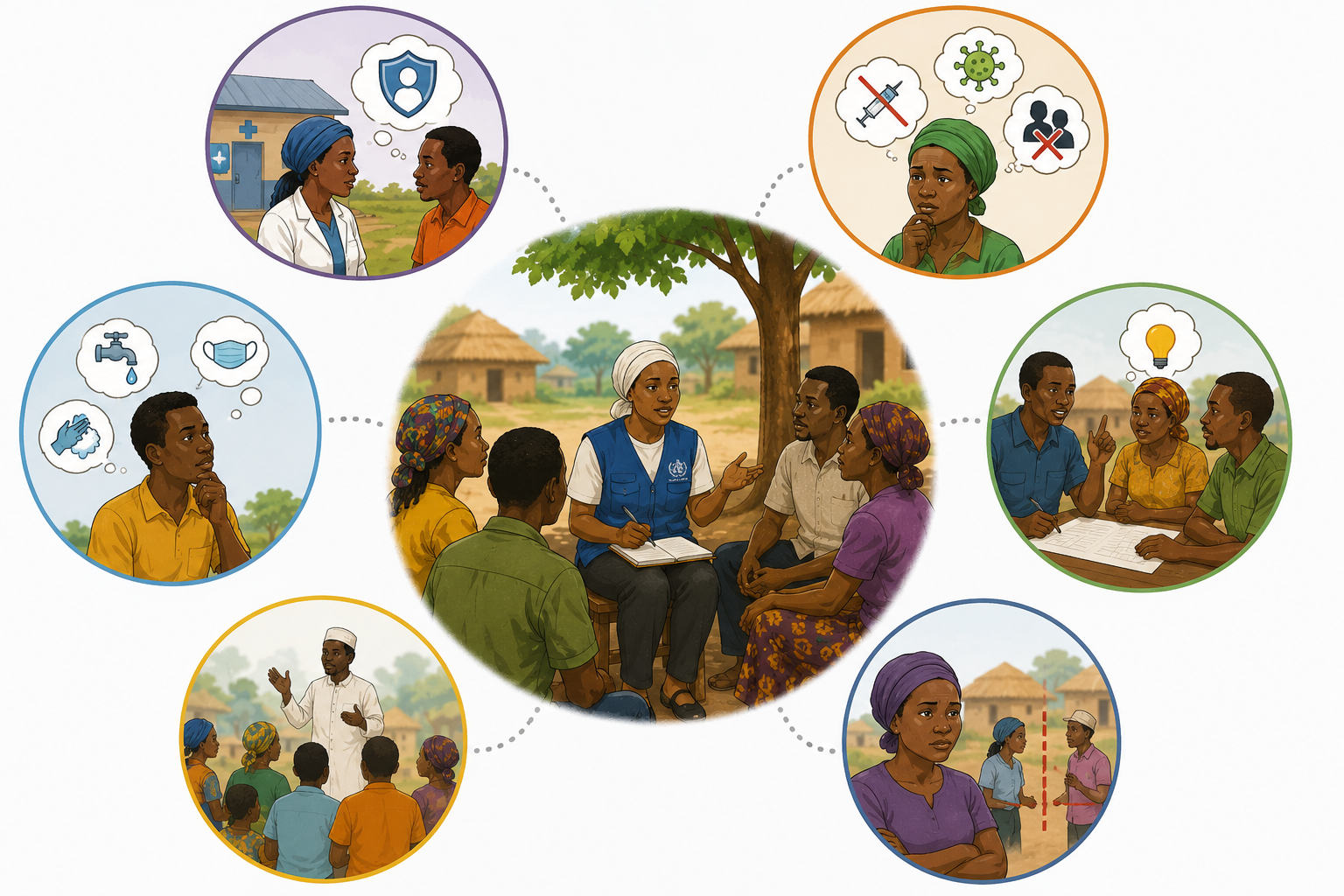
By the end of this module, participants will be able to: This module highlights the role of community health workers in sharing accurate information, building trust, listening to community concerns, addressing rumours, and reducing stigma.
- Explain what Risk Communication and Community Engagement (RCCE) involves
- Work towards stopping rumours and infodemics in the community
- Describe the importance of building trust with communities
- Explain how to avoid stigma and discrimination during disease outbreaks such as BVD
- Identify community social listening and feedback mechanisms
- Explain the role of RECOs in bridging information from health providers to communities.
Module Contents
- Roles of CHWs to communicate risk, engage communities, and provide accurate information
- How to manage infodemics and rumours in the community
- How to build trust in the community
- Identifying and avoiding stigma
- Community feedback and social listening
- RCCE Messages for Bundibugyo Virus Disease (BVD): A Reference for RECOs
Approximate time required for the readings for this module (at 144 words/minute): 52 minutes.-
Students mustMark as done
Click on the link to access the summary of this module's content. You are encouraged to read the summary notes before you begin the microlesson. Refer back to them alongside your journey.
1.3 MB -
Students mustMark as done
Click on the link to play and watch the video for this module. You are encouraged to watch the video before you begin the microlesson and you can refer back to it alongside your journey.
-
Students mustMark as done
To access the microlesson:
Step 1: Click on the link to the Microlesson above.
Step 2: Select "Enter"; the microlesson will open in a new window
Step 3: Click on the arrow at the bottom of the screen to begin the microlesson.
If you need to exit the microlesson before it is completed, either click on "Exit Course" on the top right of the screen, or simply close the window. Your progress should be saved automatically.
Within the Microlesson, there will be a series of questions and activities throughout the lesson. These questions and activities are designed to help you learn and are not meant to be evaluations. -
Module 4 Quiz
To access the quiz, click on the name of the quiz provided above. On the following screen, click the "Preview quiz now" button to respond to the questions.