Module 2: Practical Exercise on SPSS
Objective: Apply your learning from Module 2 to a practical SPSS task. You will demonstrate your understanding of importing and inputting data, defining variable properties, cleaning data, and saving your work within SPSS. Instructions: Deliverable: For this activity, you will submit screenshots of your process, accompanied by a brief explanation of each step. This documentation can be in the form of a Word document or a PDF. This activity will help you practically apply the following learning outcomes:
Note: Be mindful of the privacy and confidentiality of your data. Do not use real data that could compromise the privacy of individuals or organizations.
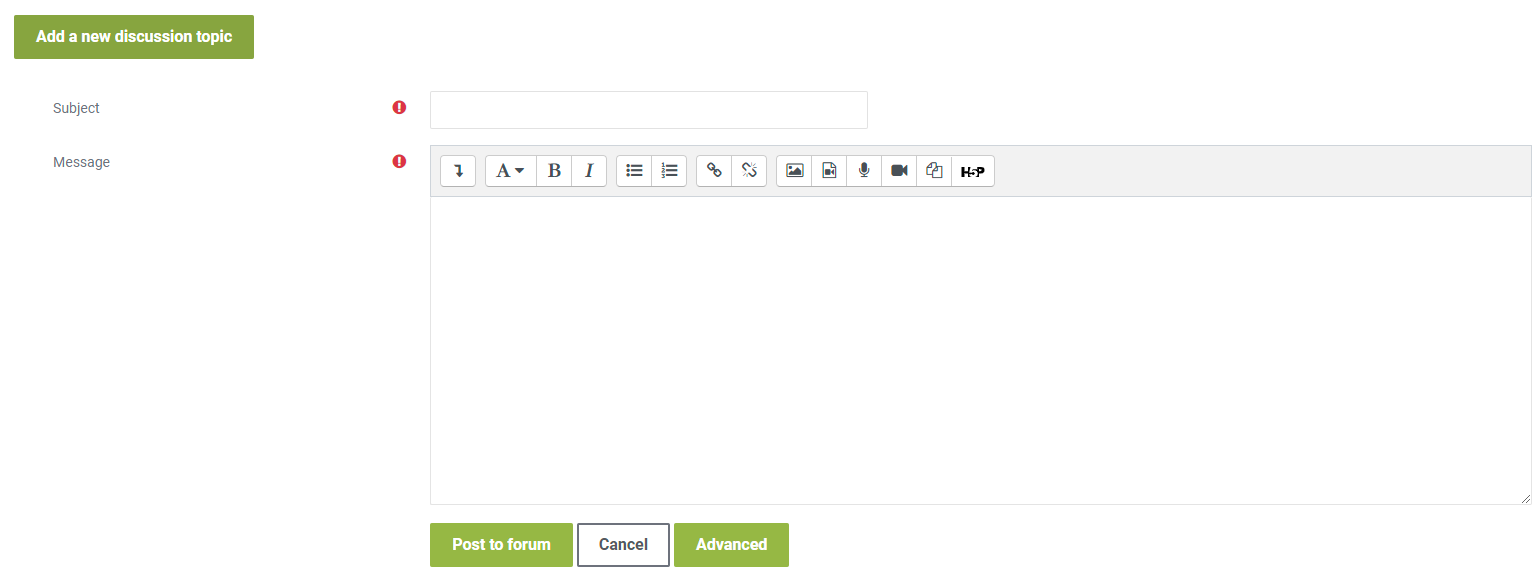
To share your work, click on the “Add a new discussion topic” button at the bottom of this post, then click on the “Advanced” button as shown in the picture below. Drag and drop your completed template inside the “Attachment” as shown in the picture below and click on “Post” after you have uploaded your completed template. To complete this activity, you will need to reply to at least one post made by your peers respectfully and professionally. Be sure that your post engages your peers' ideas by providing feedback on their comments, sharing ideas of other potential problems/solutions, or asking thought-provoking questions. If a peer comments on your posting, please reply. To post a reply, click “Reply” on a particular discussion list below, write your feedback and then click on “Post to forum.”